How I work
Team workflow
Product quality depends on the system around the product. Designers, engineers, PMs, and analysts lose time when work repeatedly changes format, context gets reconstructed, or decisions disappear between tools. I treat that workflow as a product too.
Bottlenecks
Find where the team is doing unnecessary work
I start by watching how work moves through the team. I look for:
- repeated setup
- duplicated decisions
- manual handoffs
- context switching
- waiting
- work that has to be recreated downstream
At S&P Global, prototype sessions repeatedly required project setup, component knowledge, and product context. At SBI, parts of the delivery process repeated across similar consulting workflows.
The visible artifact is rarely the whole problem.
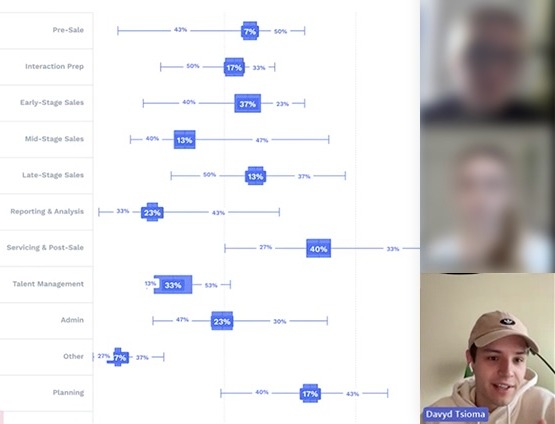
Remote sessions at SBI, participants blurred
Translation
Remove unnecessary format changes
Every handoff creates a chance for information to be lost. A designer creates a screen. An engineer interprets it. Behavior gets reconstructed. The implementation changes. Design becomes outdated.
I try to reduce those translation steps. At S&P Global, coded prototypes let design and engineering review behavior and implementation together. At Coalition (opens in a new tab) and Kontron (opens in a new tab), reusable structures reduced the need to recreate similar work for every page or campaign.
The goal is not eliminating collaboration. It is eliminating reconstruction.
Prototyping
Prototype close enough to production that decisions survive
I use prototypes to answer product questions, not just demonstrate appearance. When behavior matters, I prefer prototypes that can express:
- real components
- realistic state
- interaction logic
- data density
- responsive behavior
- technical constraints
The closer the prototype is to the implementation environment, the less work has to be translated later. That does not mean every prototype should become production code. It means the prototype should preserve the decisions that matter when the work moves forward.
Collaboration
Preserve useful collaboration when the tools change
Moving from design files to coded prototypes solved one problem but created another. Figma already provided two useful collaboration mechanisms:
- comments attached to context
- a visible map of how screens connect
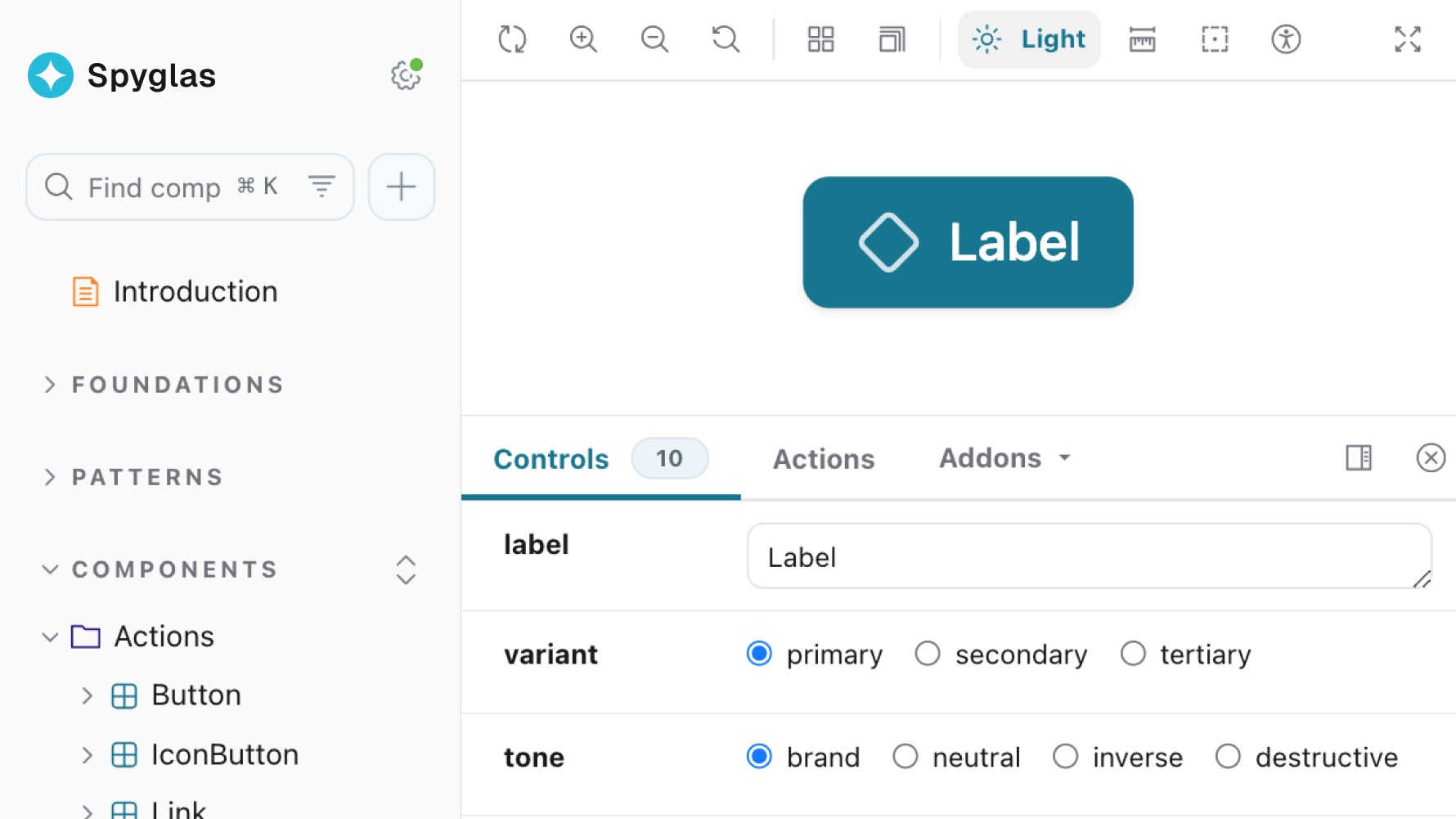
Those disappeared when prototypes moved into code. I rebuilt both for the coded workflow: page-level prototype comments, and a visual graph of connected screens.
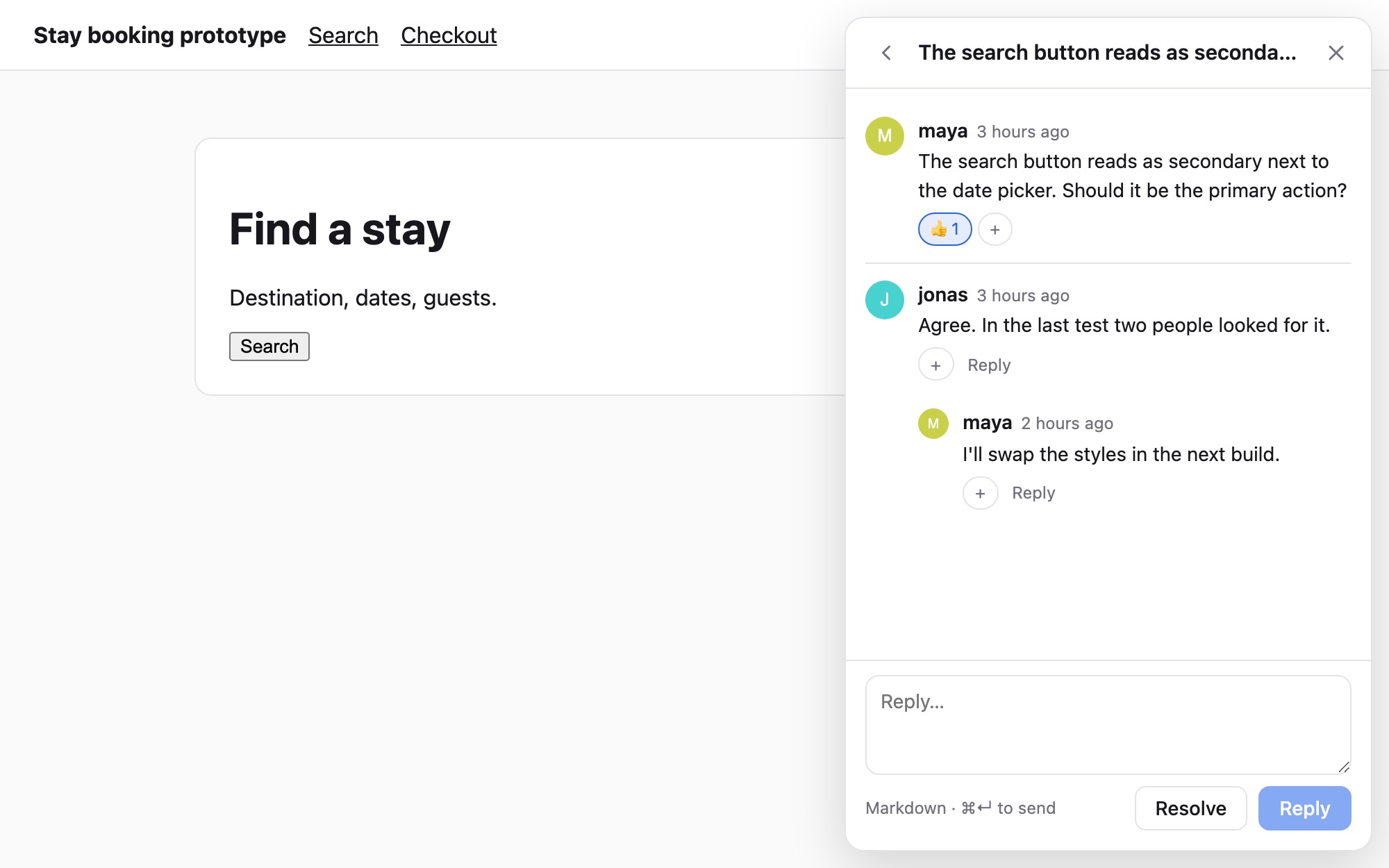
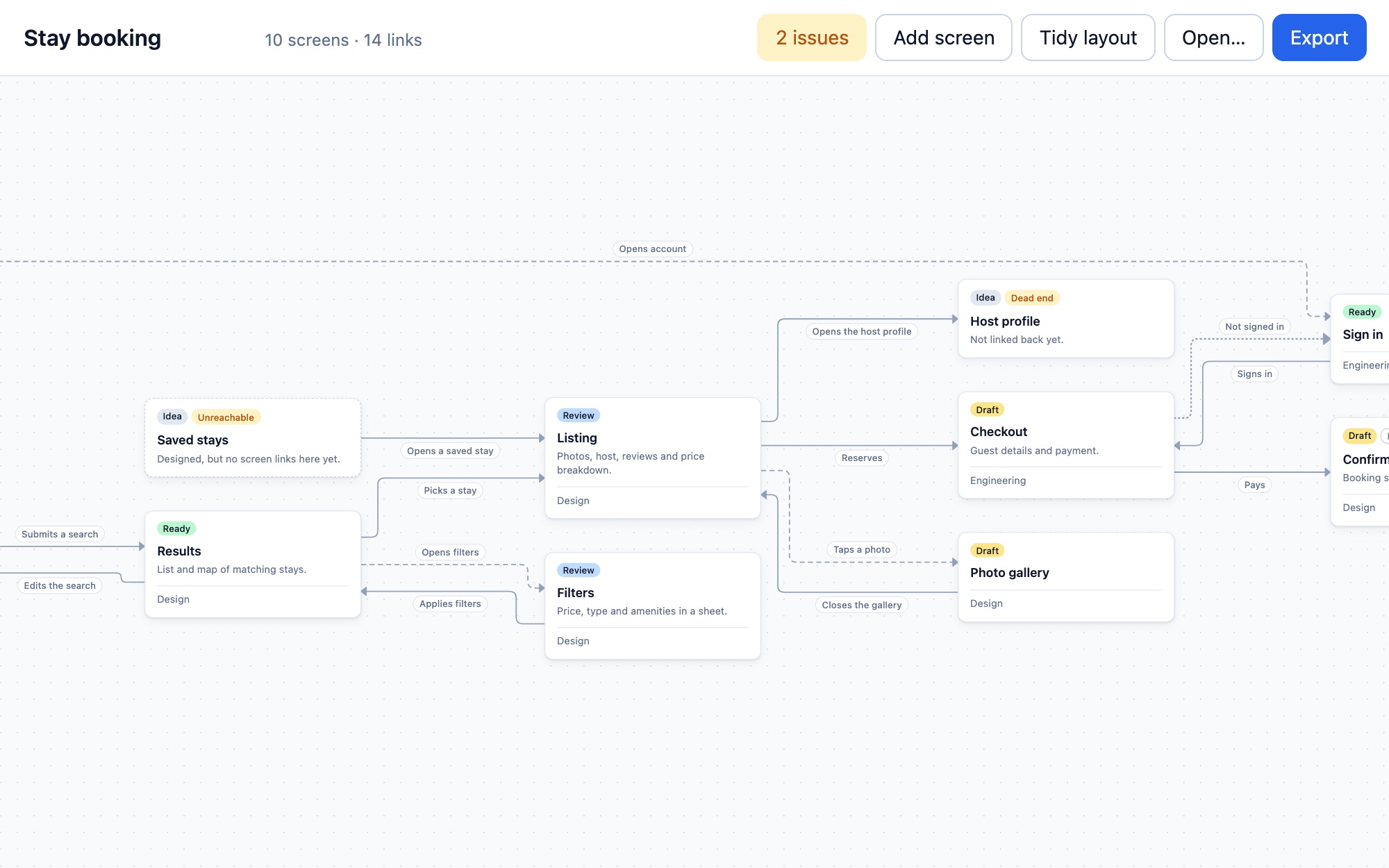
Comments and the flow map
The principle matters more than those particular tools:
When a workflow changes, preserve the collaboration behaviors people still need.
The technical implementations live in Builds: Prototype comments (opens in a new tab) and Prototype graph (opens in a new tab).
Review
Review the behavior and implementation together
Late review is expensive. I try to make important questions visible earlier:
- Does the flow behave correctly?
- Does the implementation use the system correctly?
- Is required context missing?
- Are we solving the right problem?
- Can engineering actually extend this approach?
This is why I prefer working artifacts over static handoffs when the problem requires interaction. Earlier review reduces the amount of work that has to be corrected after approval.
Ownership
Shared artifacts need explicit ownership
When design and engineering begin working from the same artifacts, ownership becomes less obvious. That is a good problem, but it still needs a decision. I separate:
- who defines product behavior
- who owns shared system APIs
- who can promote patterns
- who approves production changes
- who maintains releases
At S&P Global, the prototype library eventually became production infrastructure. Engineering took ownership of the production implementation while design continued influencing the system and workflow.
A shared artifact works only when shared ownership is intentional.
Adoption
Better workflows should win through usefulness
I do not consider a workflow successful because a team was told to use it. The stronger signal is voluntary adoption.
At S&P Global, engineering proposed using the prototype library in production after reviewing it.
At Kontron (opens in a new tab), the reusable structure built for the website carried over into marketing: one ad framework adapted to every display size and was used across 80+ campaigns.
Adoption is evidence that the new path is easier than the old one.
Delivery
Measure the system around the work
Workflow improvements should show up in delivery. Depending on the project, I look at:
- setup time
- design-to-production cycle time
- repeated manual work
- number of handoff steps
- review time
- campaign or page-production time
Three examples from the case studies:
S&P Global (opens in a new tab)
Prototype project setup went from 15–20 minutes to one command.
SBI (opens in a new tab)
Comparable UI work moved from design to production 30% faster, measured in Jira.
Kontron (opens in a new tab)
Campaign templates avoided a graphic designer hire, about $80K a year.
The specific metric changes by workflow. The question stays the same:
Did the team spend less time translating, rebuilding, and waiting?